
PropReports
XLS report · REST APISpreadsheet reports or a configured API connection.
The file format matters as much as the broker name. Start with a supported export, then review the import preview before adding it to your journal.
Formats listed in the product documentation. Availability can vary by app version and the report your broker exports.
Listed providers have not endorsed or validated RiTrade. Read the broker and platform disclaimer.
Spreadsheet reports or a configured API connection.
Daily statements in the supported PDF layout.
CSV order history from Webull Singapore.
A supported trade export; chart data is not a trade history.
Trade history in the supported CSV layout.
Supported CSV and AutoReport exports.
No matching provider. You may be able to use the CSV mapping option below.
Map its columns to the fields RiTrade needs, then save a Trade Template. The file must contain enough trade information to import; not every spreadsheet or statement will be compatible.
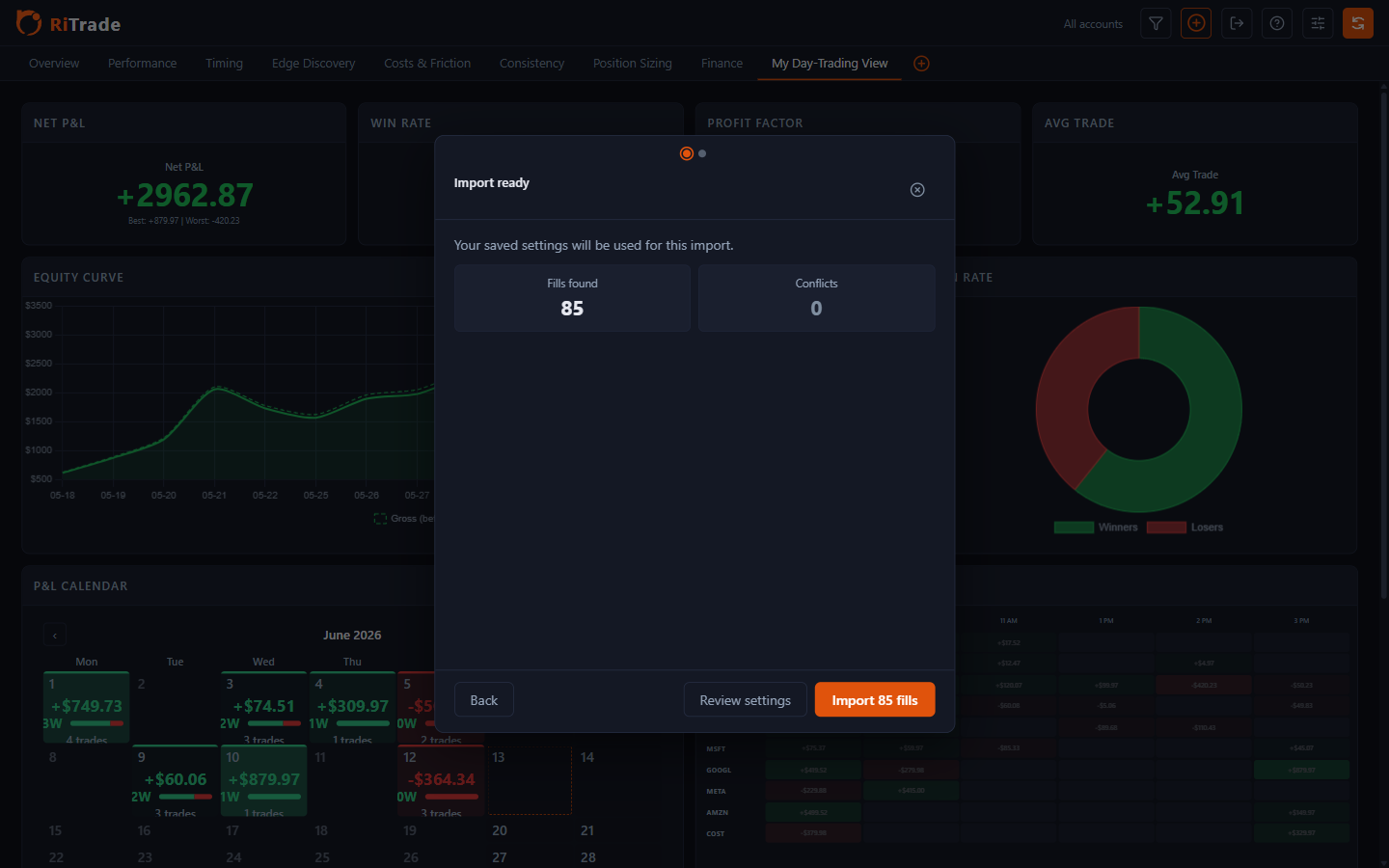
RiTrade checks for duplicate executions during import. Take a moment to review the preview, particularly when trying a new report format or template.
Export a supported file from your broker, then open it in RiTrade.
Check the detected format and rows. Resolve any import errors before saving.
Confirm the import, then filter your results by account, symbol, or date.
Bring in your trades and see where you can improve.